How to Improve Your Core Web Vitals Score in 2025
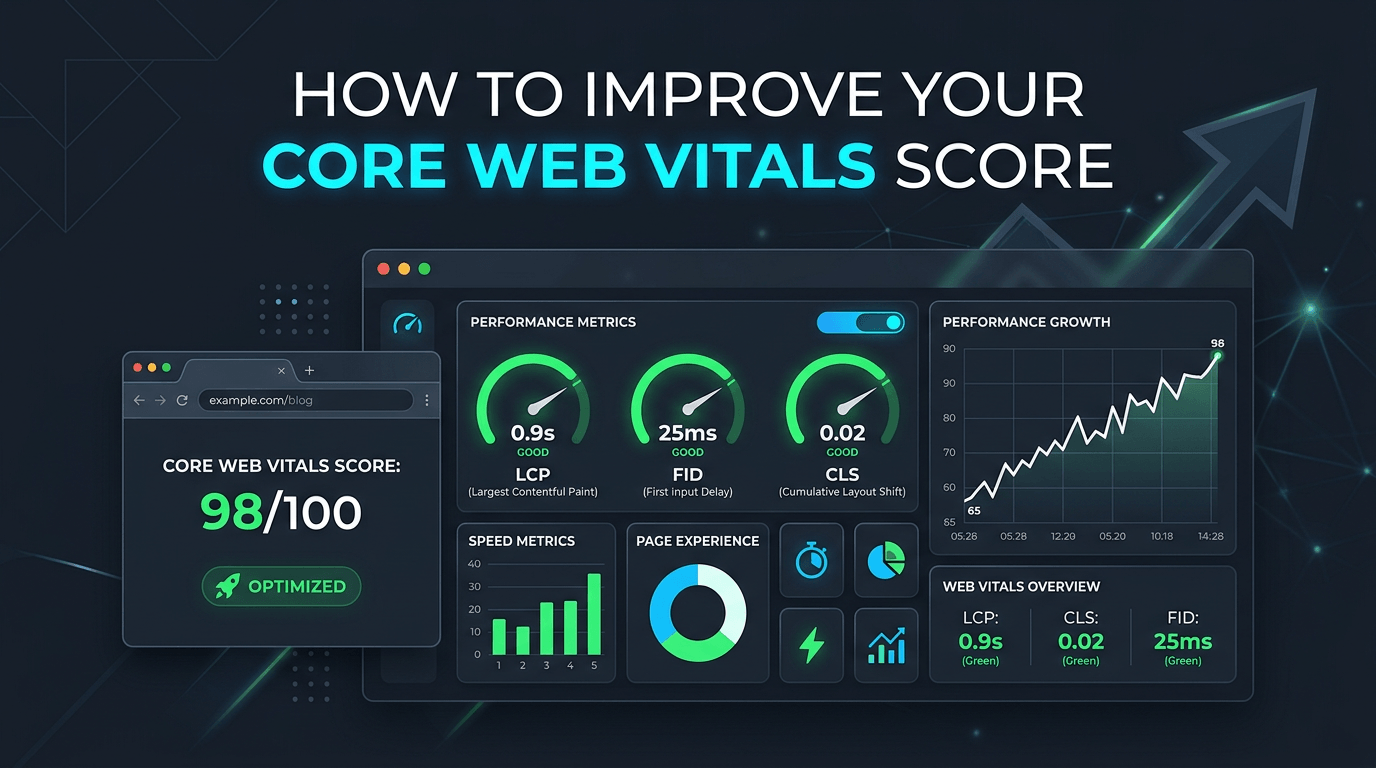
In 2021, Google made Core Web Vitals an official ranking factor. That means the speed and stability of your web pages now directly affects where you appear in search results. Yet many websites still score poorly — and their owners don't know why.
This guide breaks down what Core Web Vitals are, how to measure them, and the most effective steps you can take to improve your scores.
What Are Core Web Vitals?
Core Web Vitals are a set of real-world, user-centred performance metrics that Google uses to evaluate the page experience of a website. There are three metrics:
Largest Contentful Paint (LCP) — measures loading performance. It tracks how long it takes for the largest visible element on the page (usually a hero image or heading) to render. A good LCP score is 2.5 seconds or less.
Interaction to Next Paint (INP) — measures responsiveness. It captures the delay between a user interaction (click, tap, key press) and the next visual update on screen. A good INP score is 200 milliseconds or less.
Cumulative Layout Shift (CLS) — measures visual stability. It quantifies how much page elements unexpectedly shift during loading. A good CLS score is 0.1 or less.
How to Measure Your Core Web Vitals
Before you can improve your scores, you need to know where you stand. Google provides several free tools:
Google Search Console — The Core Web Vitals report shows real-world data from users visiting your site. This is the most important data source as it reflects actual user experience.
PageSpeed Insights — Enter any URL and receive both lab data (simulated) and field data (real users). It highlights specific elements causing poor scores.
Chrome DevTools Lighthouse — Run an audit directly in your browser to get detailed diagnostics and recommendations.
How to Improve LCP (Largest Contentful Paint)
A slow LCP is almost always caused by one of four issues: a slow server response time, render-blocking resources, slow resource load times, or client-side rendering. Here is how to address each:
Optimise and compress images. Convert images to modern formats like WebP or AVIF, which are significantly smaller than JPEG or PNG at equivalent quality. Always specify width and height attributes on image elements.
Preload your LCP image. Add a
<link rel="preload">tag in your HTML head for the largest image above the fold. This tells the browser to fetch it immediately rather than waiting to discover it in the CSS or body.Use a CDN. Serving your assets from an edge server geographically close to the visitor dramatically reduces time to first byte (TTFB) and asset download time. Cloudflare is an excellent free option.
Remove render-blocking resources. Defer non-critical JavaScript using the
deferorasyncattributes. Load non-critical CSS asynchronously or inline critical CSS in the document head.
How to Improve INP (Interaction to Next Paint)
A high INP score typically means your JavaScript is doing too much work on the main thread, blocking the browser from responding to user input quickly.
Reduce JavaScript execution time. Audit your JS bundles and remove unused code. Tools like Webpack Bundle Analyser or Chrome's Coverage panel help you identify unused JavaScript.
Break up long tasks. Any JavaScript task that runs for more than 50ms is considered a "long task". Use
setTimeout,requestAnimationFrame, or the Scheduler API to yield control back to the browser between tasks.Avoid excessive DOM size. Pages with thousands of DOM nodes are slow to update. Simplify your HTML structure and use virtual rendering for long lists.
Defer third-party scripts. Analytics, chat widgets, and advertising scripts are common culprits for poor INP. Load them after the page is interactive using the
deferattribute or dynamic script injection.
How to Improve CLS (Cumulative Layout Shift)
Layout shifts happen when elements move unexpectedly while the page loads. The most common causes are images without dimensions, dynamically injected content, and web fonts causing a flash of unstyled text (FOUT).
Always set width and height on images and videos. This allows the browser to reserve the correct amount of space before the asset loads, preventing layout shifts.
Reserve space for ads and embeds. Ad slots that load dynamically frequently cause layout shifts. Use CSS
min-heightto reserve space for the container before the content loads.Use
font-display: optionalor preload web fonts. Fonts loading after the page renders can cause text to jump. Preloading your key font files or usingfont-display: optionalprevents the browser from swapping font faces mid-render.Avoid inserting content above existing content. Banners, cookie notices, and notifications that appear at the top of the page push existing content down. Use fixed or absolute positioning for these elements instead.
How Long Does It Take to See Improvements?
Core Web Vitals in Google Search Console use 28-day rolling field data. This means improvements to your site will take up to four weeks to fully reflect in your Search Console report. However, you will see immediate improvements in PageSpeed Insights lab data once you implement the fixes.
Focus first on fixing your LCP, as it tends to have the greatest impact on both user experience and SEO. Then work through CLS and INP improvements systematically.
A website that scores "Good" across all three Core Web Vitals metrics is not just better ranked — it is genuinely faster and more pleasant for every visitor who lands on it.